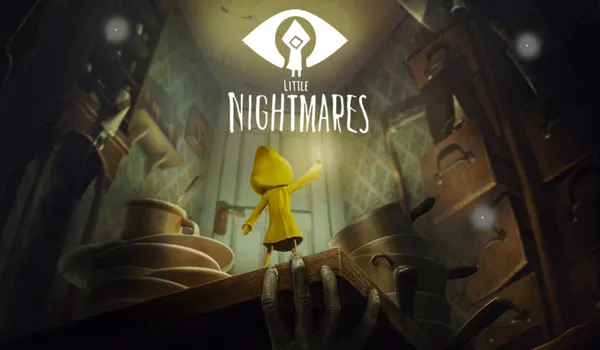
Type of Game: Puzzle-platformer, survival horror
PC Release Date: April 28, 2017
Developer/Publishers: Tarsier Studios, Bandai Namco Entertainment
Little Nightmares is a horror adventure game developed by Tarsier Studios and published by Bandai Namco Entertainment. Immerse yourself in Little Nightmares, a dark whimsical tale that will confront you with your childhood fears! Help Six escape The Maw – a vast, mysterious vessel inhabited by corrupted souls looking for their next meal.
Screenshots
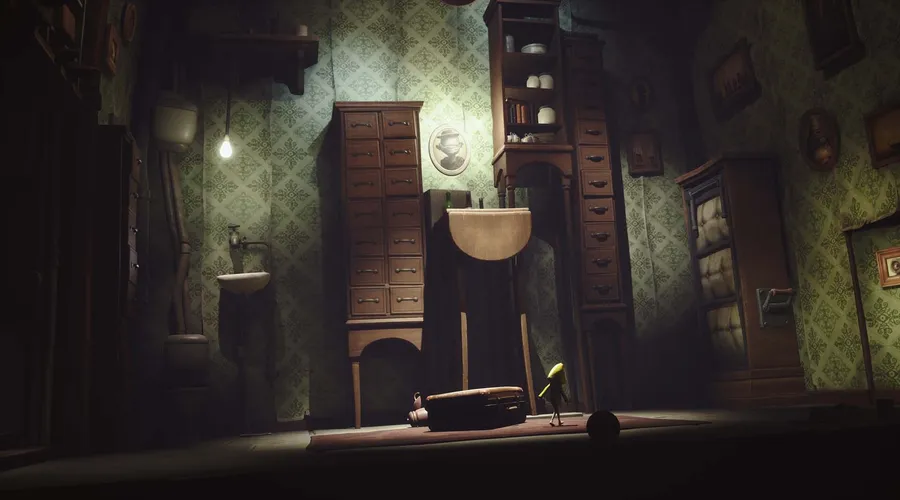
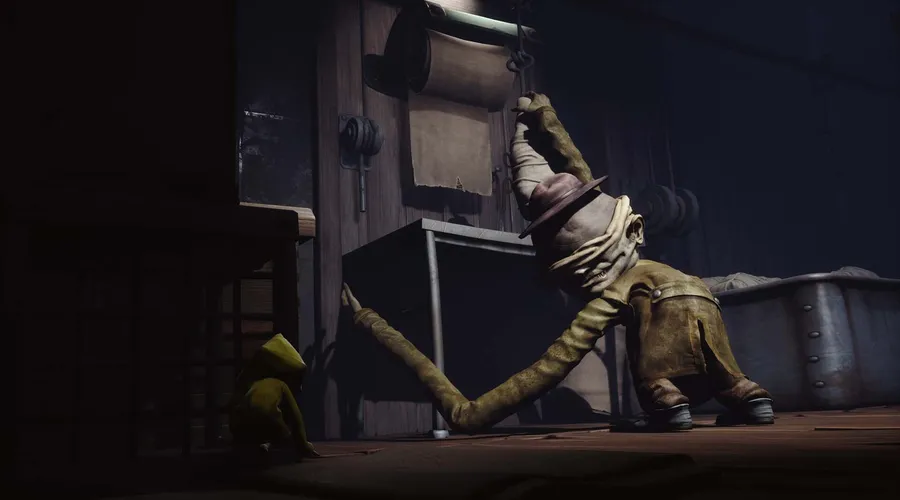
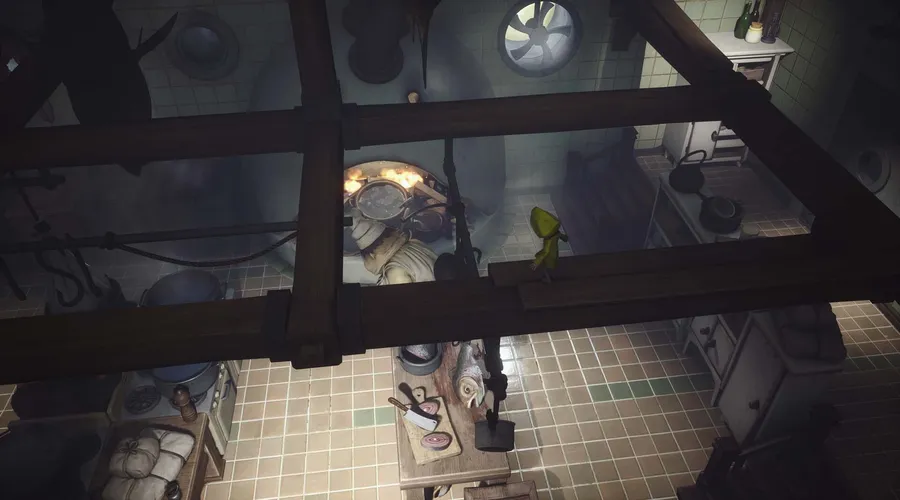
Before downloading make sure that your PC meets minimum system requirements.
Minimum System Requirements
- OS: Windows 7/Vista/8 (64-Bit)
- CPU: Intel CPU Core i3
- RAM: 4 GB
- Hard Drive: 10 GB available space
- Video Card: Nvidia GTX 460
- Network: Broadband Internet connection
- DirectX: Version 11
How to Install?
- Extract the file using Winrar. (Download Winrar)
- Open “Little Nightmares” folder, double click on “Setup” and install it.
- After installation complete, go to the folder where you extract the game.
- Open “CODEX” folder, copy all files and paste it where you install the game.
- Then “Atlas” >> “Binaries” >> “Win64”, double click on “LittleNightmares” icon to play the game. Done!
Little Nightmares Download
Game Size: 2.38 GB
Password: www.thegamesdownload.net