Type of Game: Adventure, Platform
PC Release Date: November 7, 2024
Developer/Publishers: Ocellus Studio, Microids
The Smurfs: Dreams is a family-friendly adventure game where players guide the Smurfs through whimsical dream worlds to solve puzzles and complete fun challenges. Explore colorful environments, interact with familiar Smurf characters, and overcome obstacles using unique abilities. The gameplay focuses on exploration, problem-solving, and light platforming, delivering a charming PC adventure experience for fans of casual games and nostalgic Smurf adventures.
Screenshots
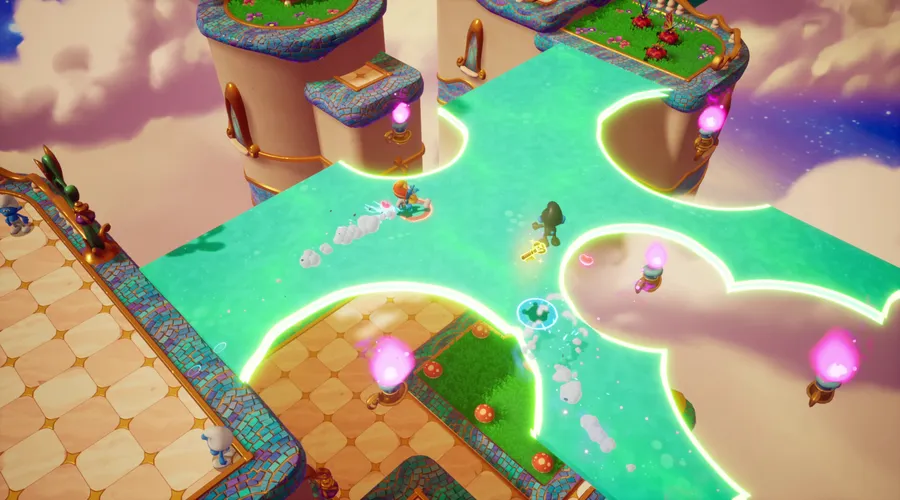

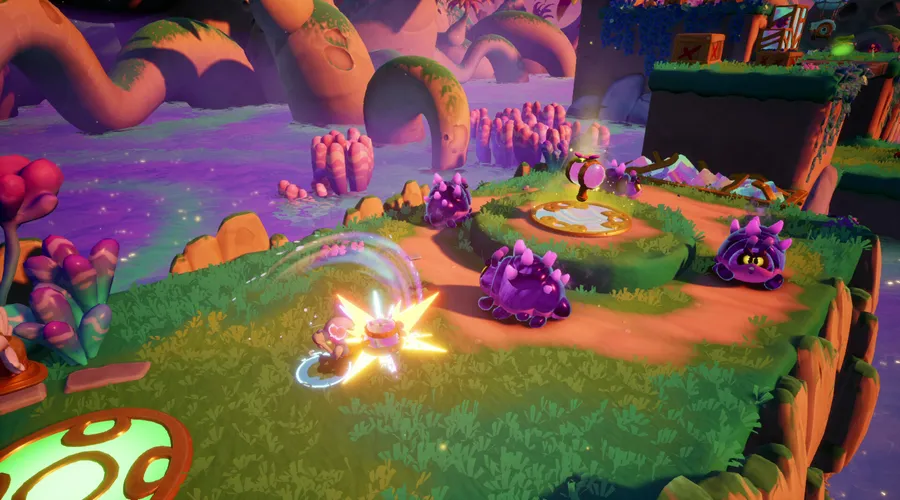
Before downloading make sure that your PC meets minimum system requirements.
Minimum System Requirements
- OS: Windows 10
- Processor: i5 Gen 7
- RAM: 8 GB
- Hard Disk: 6 GB available space
- Graphics Card: GTX 970
- DirectX: Version 11
How to Install?
- Extract the file using Winrar. (Download Winrar)
- Open “The Smurfs – Dreams” folder, double click on “setup” and install it.
- Then go to “DLC” folder, run “setup” to install DLC.
- After installation complete, go to the folder where you install the game.
- Open folder, double click on “Game” icon to play the game. Done!
The Smurfs: Dreams Download
Game Size: 3.73 GB
Password: www.thegamesdownload.net