
Type of Game: Simulation
PC Release Date: July 29, 2003
Developer/Publishers: Xbox Game Studios/Microsoft
Microsoft Flight Simulator 2004 is a simulation video game. Developed and published by Xbox Game Studios/Microsoft. It was released on July 29, 2003 for Windows. Flight Simulator 2004 (9.0): A Century of Flight, also known as FS9 or FS2004, was shipped with several historical aircraft such as the Wright Flyer, Ford Tri-Motor, and the Douglas DC-3 to commemorate the 100th anniversary of the Wright Brothers’ first flight. The program included an improved weather engine, that provided true three-dimensional clouds and true localized weather conditions for the first time.
Screenshots
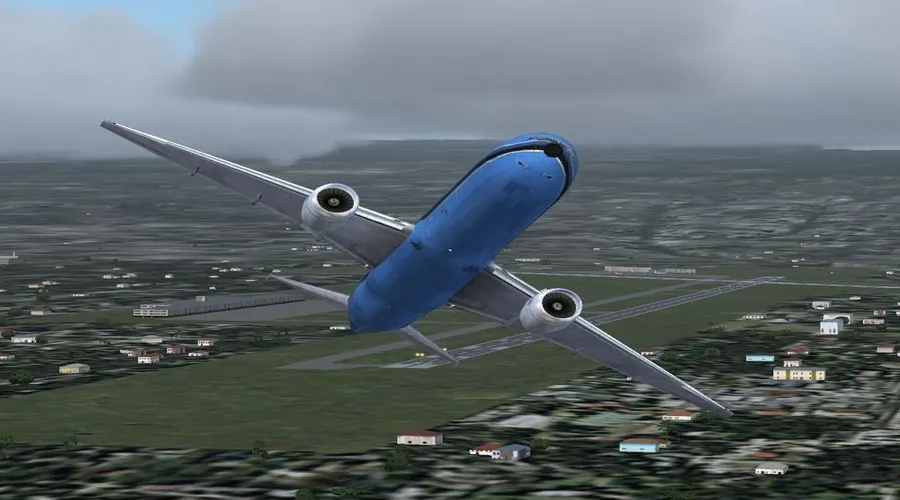
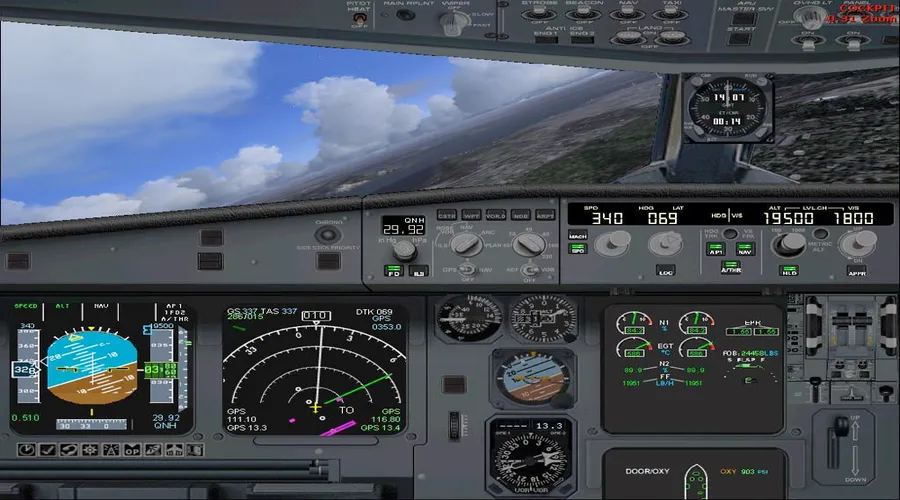
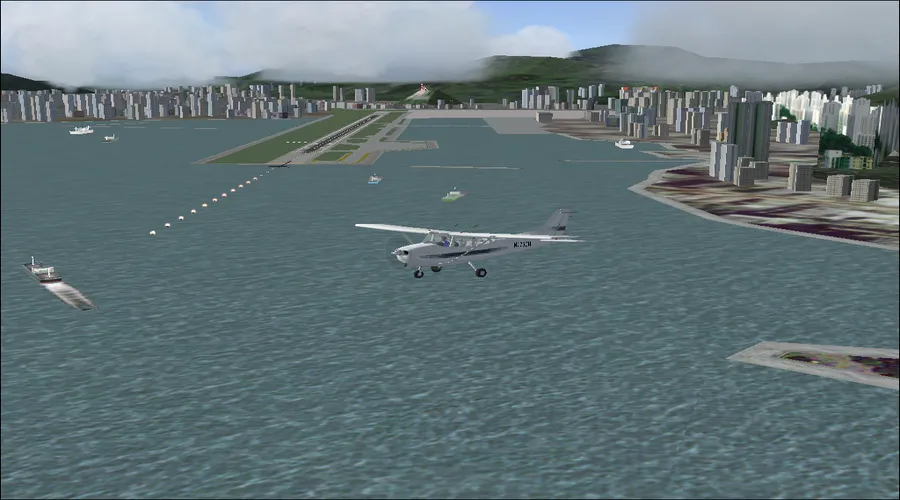
Before downloading make sure that your PC meets minimum system requirements.
Minimum System Requirements
- OS: Windows 98/ME/2000/XP (95 & NT not supported)
- Processor: Pentium II or Athlon equivalent
- RAM: 64 MB for Win 98/ME, 128 MB for Win 2000/XP
- Hard Drive: 1.8 GB available space
- Video Card: 8 MB 3D Video Card
- DirectX: Version 7.0
How to Install?
- Extract the file using Winrar. (Download Winrar)
- Open “Flight Simulator 2004” folder, double click on “Setup” and install it.
- After installation complete, go to the folder where you extract the game.
- Open “Crack” folder, copy all files and paste it where you install the game.
- Then double click on “fs9” icon to play the game. Done!
Microsoft Flight Simulator 2004 Download
Game Size: 1.8 GB
Password: www.thegamesdownload.net