Type of Game: Simulation
PC Release Date: November 17, 2020
Developer/Publishers: Chronos Unterhaltungssoftware, astragon Entertainment
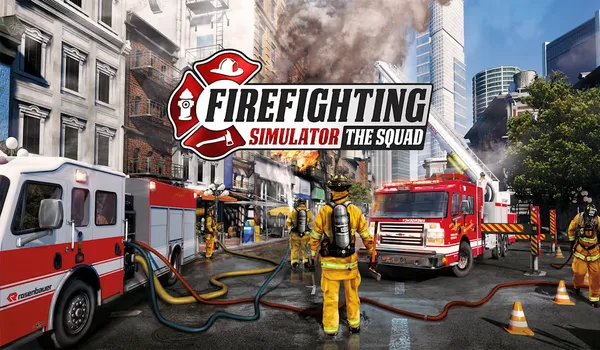
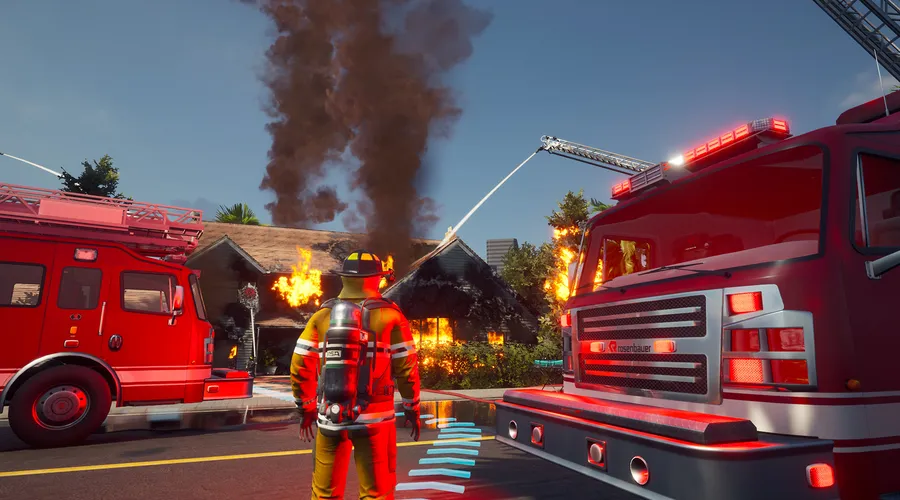
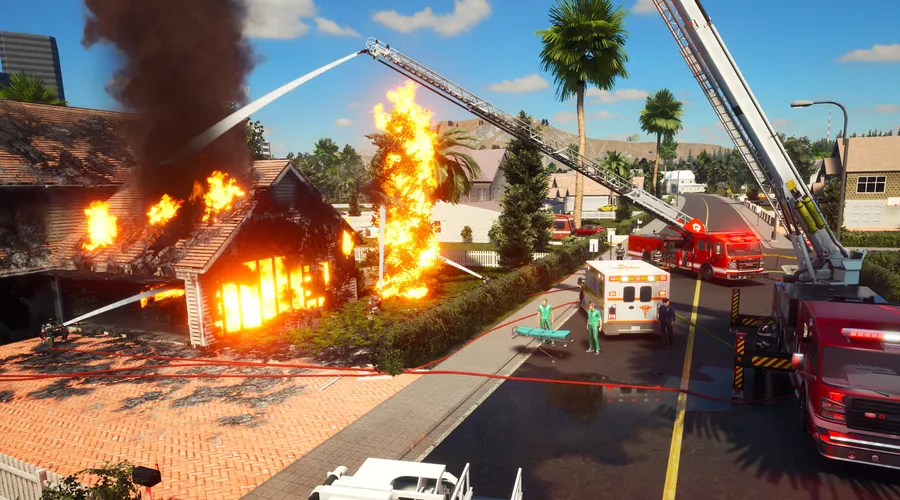
Firefighting Simulator – The Squad is an intense PC firefighting experience that puts you in command of a professional emergency response team. Work together with AI or friends in co-op mode as you tackle realistic fire scenarios, rescue civilians, and operate authentic firefighting equipment. With dynamic missions, detailed environments, and immersive gameplay, this simulator delivers a true-to-life emergency action experience. All core gameplay content is included for players who enjoy teamwork, strategy, and high-pressure challenges.
Screenshots
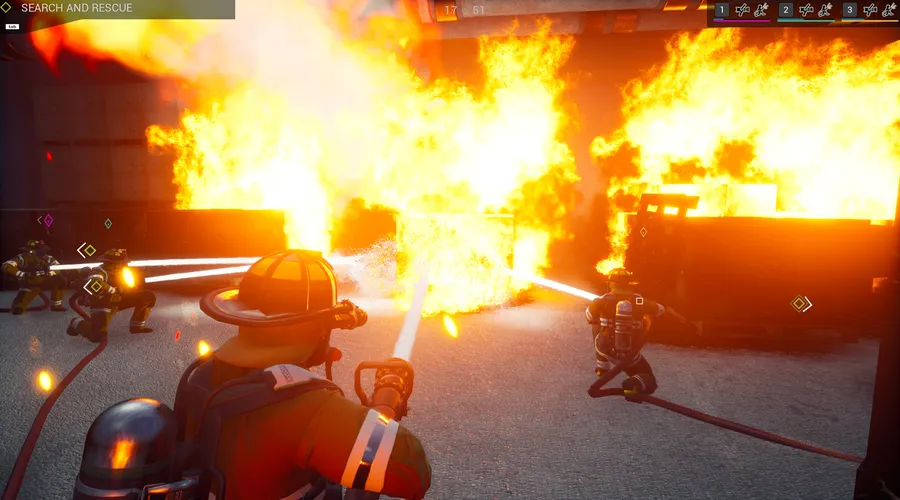
Before downloading make sure that your PC meets minimum system requirements.
Minimum System Requirements
- OS: Windows 10 (64‑bit)
- Processor: Intel Core i5-4440 with 3,1 GHz or AMD FX-8150 with 3,6 GHz or higher
- RAM: 8 GB
- Hard Disk: 12 GB available space
- Graphics Card: GeForce GTX 750 Ti (2 GB VRAM) or AMD Radeon RX 460 (2 GB VRAM) or higher
- Network: Broadband Internet connection
- DirectX: Version 11
How to Install?
- Extract the file using Winrar. (Download Winrar)
- Open “Firefighting Simulator – The Squad” folder, double click on “Setup” and install it.
- After installation complete, go to the folder where you extract the game.
- Open “RUNE” folder, copy all files and paste it where you install the game.
- Then double click on “Game” icon to play the game. Done!
Firefighting Simulator – The Squad Download
Game Size: 4.07 GB
Password: www.thegamesdownload.net