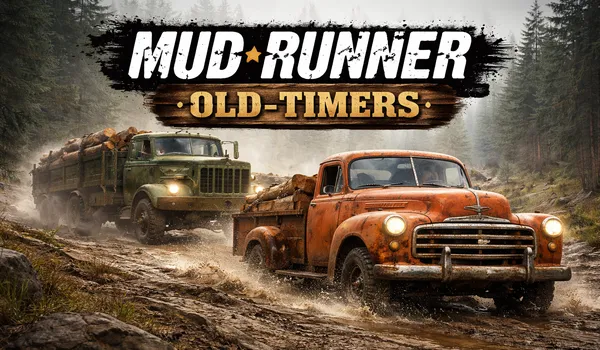
Type of Game: Simulation
PC Release Date: April 30, 2019
Developer/Publishers: Saber Interactive, Focus Home Interactive
MudRunner Old Timers is a downloadable content pack that adds classic vintage vehicles to the realistic off-road driving simulator. Players can drive historic trucks designed for tough terrain while navigating muddy roads, rivers, and forests. The DLC introduces new challenges where careful driving and vehicle control are essential to deliver cargo across harsh environments. With authentic physics, detailed landscapes, and classic trucks, the Old Timers pack adds nostalgic vehicles to the MudRunner off-road experience.
Screenshots
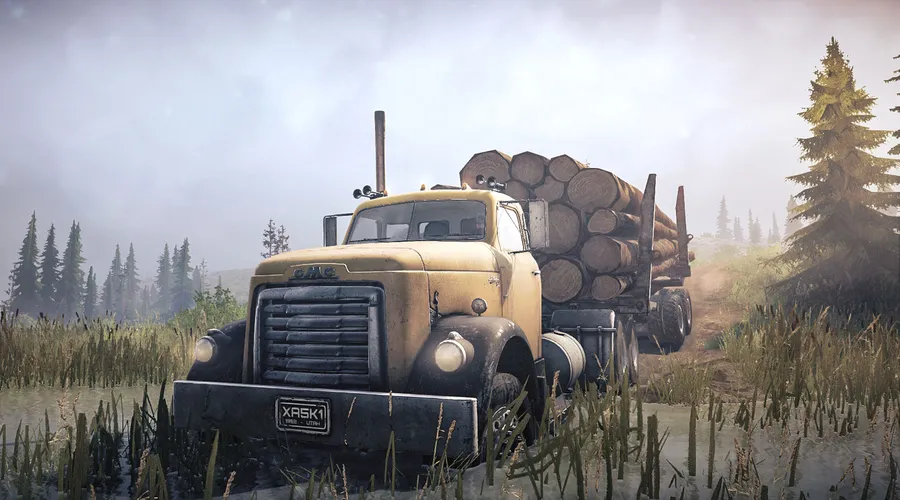
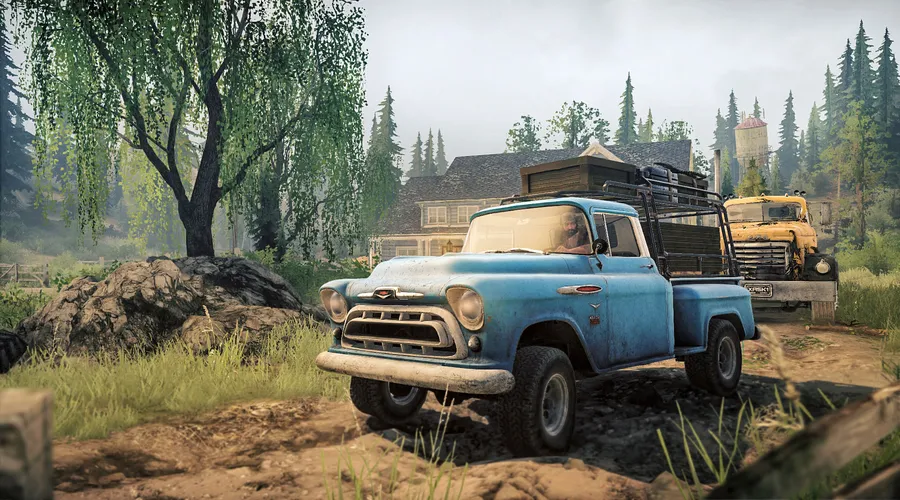
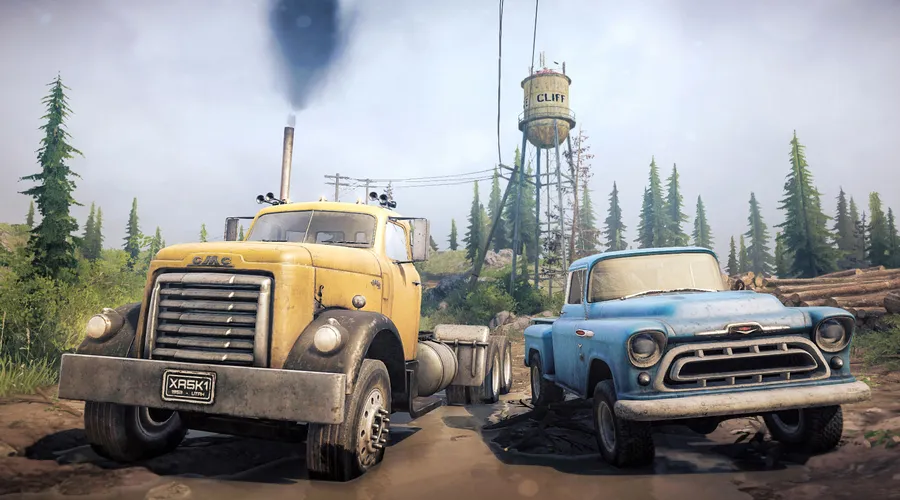
Before downloading make sure that your PC meets minimum system requirements.
Minimum System Requirements
- OS: Windows Vista/7/8/10 (32/64bits)
- Processor: Intel® Pentium Dual Core 2.0GHz or equivalent
- RAM: 2 GB
- Hard Drive: 1 GB available space
- Video Card: NVIDIA GeForce 9600 GT or equivalent
- DirectX: Version 9.0c
How to Install?
- Extract the file using Winrar. (Download Winrar)
- Open “MudRunner Old Timers” folder, double click on “Setup” and install it.
- After installation complete, go to the folder where you extract the game.
- Open “CODEX” folder, copy all files and paste it where you install the game.
- Then double click on “MudRunner” icon to play the game. Done!
MudRunner Old Timers Download
Game Size: 1.47 GB
Password: www.thegamesdownload.net